Authentication
Create, use and revoke the km_ API tokens that authenticate the REST API, the kanman MCP server and the self-hosted runner.
API tokens authenticate your tools against kanman: the REST API, the kanman MCP server for local work in Claude Code or Codex, and the self-hosted runner.
Token format
- Starts with
km_ - 35 characters in total:
km_plus 32 random characters - Example:
km_ABCDEFGHIJKLMNOPQRSTUVWXYZabcdef
Create a token
- Open Settings, API (
/<workspace>/settings/api). - Click Create token.
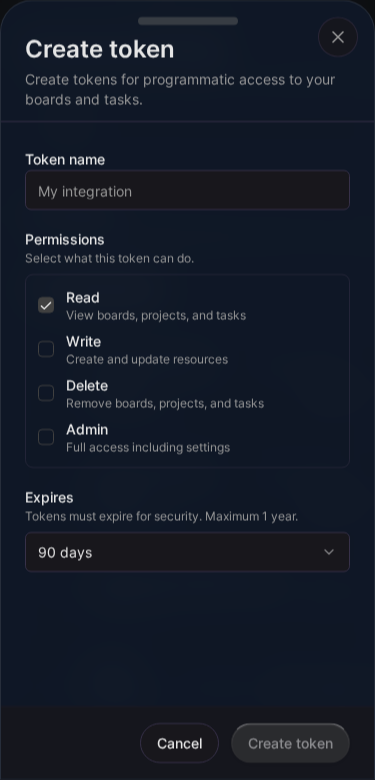
- Enter a Token name that says where the token is used, for example “Laptop Anna” or “Ops runner”.
- Under Permissions, select what the token may do.
- Under Expires, pick 30 days, 90 days or 1 year. Every token expires; one year is the maximum.
- Click Create token.
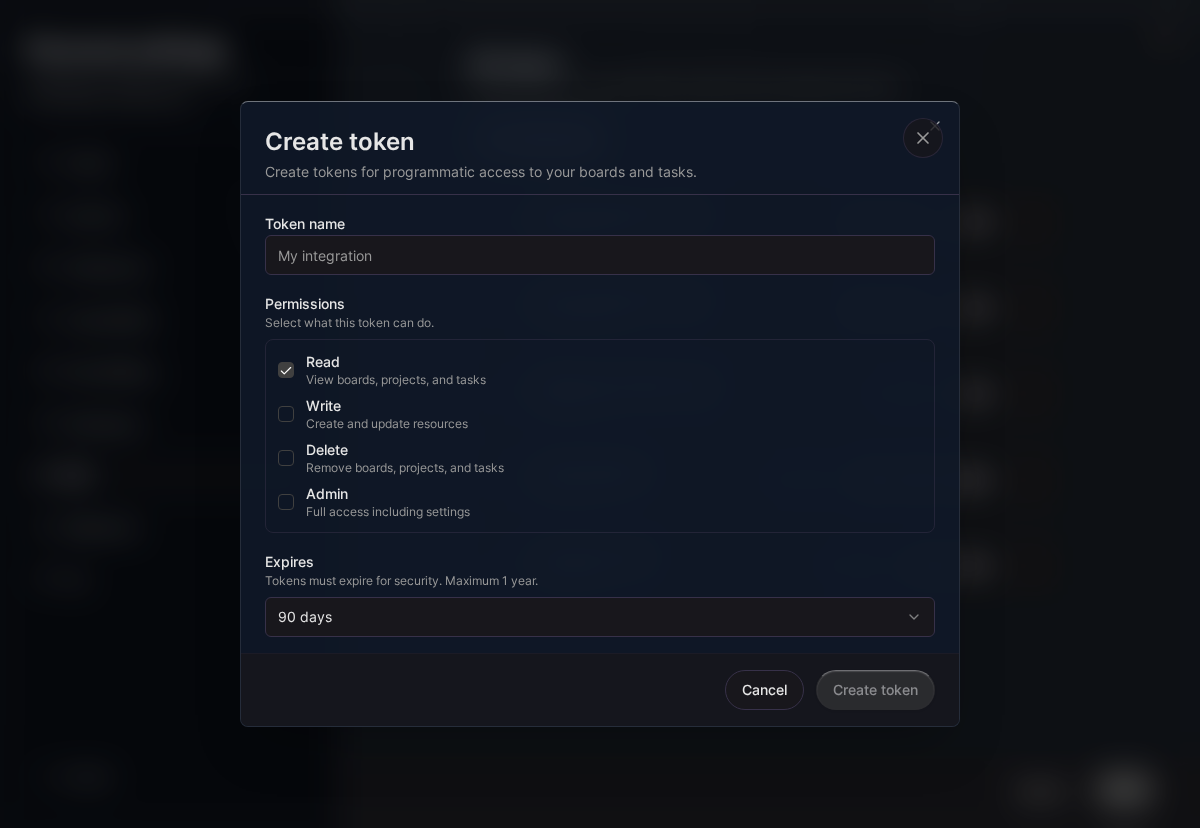
The token is shown once. Copy it and store it in your secret manager right away.
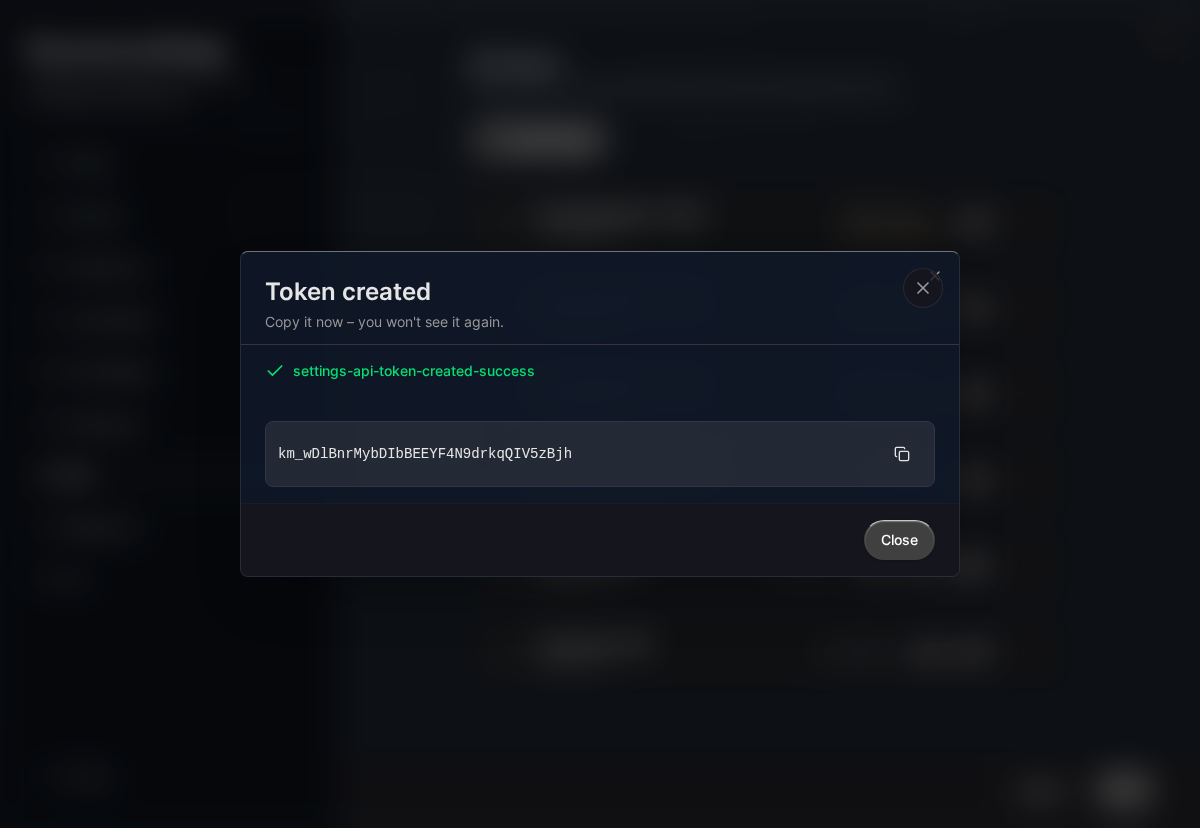
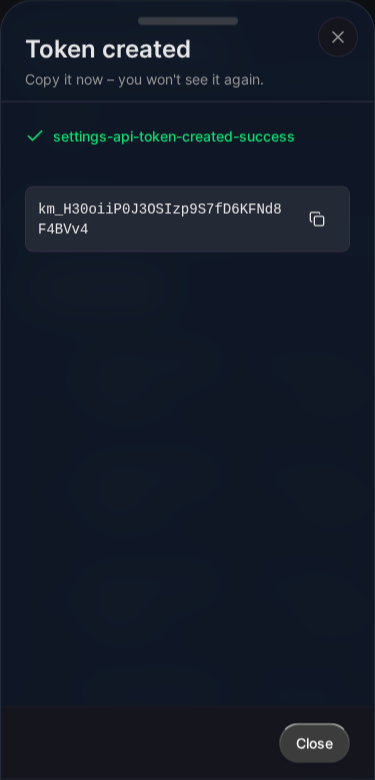
Tokens are personal: a token belongs to the person who created it, other members cannot see or use it, and it only reaches data of the workspace it was created in.
Permissions
| Permission | Shown in the app as | REST API |
|---|---|---|
read |
Read | Every GET endpoint. The audit log additionally needs a token of a workspace owner or admin. |
write |
Write | Answering decisions (POST /v1/decisions/{key}/resolve). |
delete |
Delete | Reserved. No endpoint deletes data yet. |
admin |
Admin | Everything the other permissions allow. |
The REST API checks the permission of each endpoint and answers 403 when the token lacks it. A token acts with the rights of the person who created it: it stops working when that person leaves the workspace or the workspace is deleted. The MCP server and the self-hosted runner accept any active, unexpired token of the workspace, whatever its permissions.
Use the token
Send it in the Authorization header. For the REST API:
curl "https://api.kanman.ai/functions/v1/api-gateway/v1/decisions?status=pending" \
  --header "Authorization: Bearer $KANMAN_API_KEY"
For the MCP server in Claude Code:
claude mcp add --transport http kanman \
  https://api.kanman.ai/functions/v1/executor-mcp/stories/SBX-12 \
  --header "Authorization: Bearer $KANMAN_API_KEY"
For the self-hosted runner, pass it as KANMAN_API_KEY; see Self-hosted runner.
Token properties
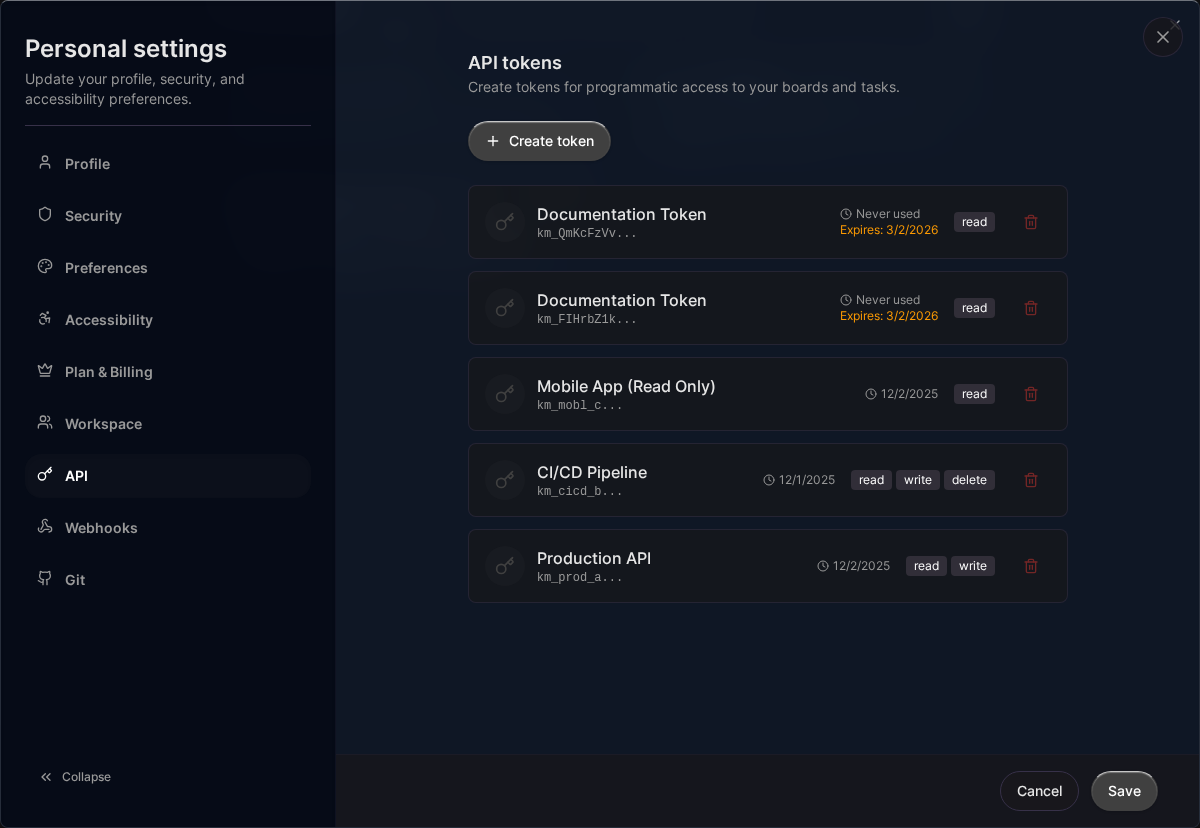
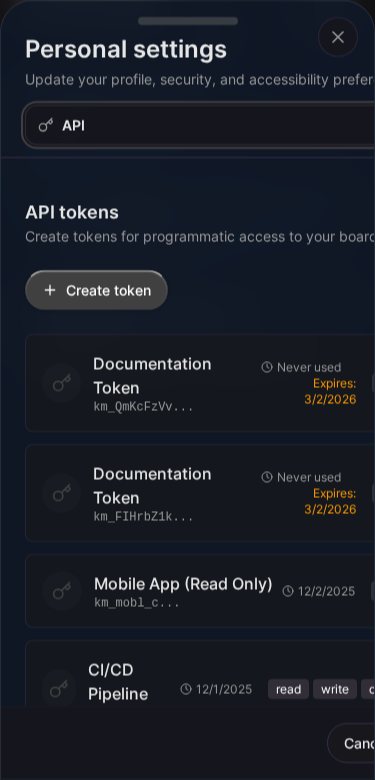
The list under Settings, API shows for each token:
| Property | Description |
|---|---|
| Name | The name you chose |
| Prefix | The first 11 characters, to recognise the token |
| Permissions | The granted permissions |
| Last used | Time of the last request, or “Never used” |
| Expires | Expiry date; expired tokens are rejected |
Expiry
Use the shortest period that fits. Before a token expires, create the new one, switch your integration, then revoke the old one.
Revoke a token
- Open Settings, API.
- Find the token by name or prefix.
- Click Revoke and confirm.
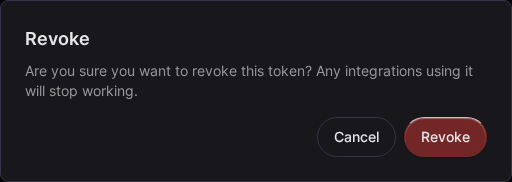
A revoked token stops working immediately. Revoking the token of a self-hosted runner takes that runner offline.
Good practice
- Never commit tokens. Keep them in environment variables or a secret manager.
- Create one token per machine or integration, so you can revoke one without breaking the others.
- Check Last used now and then and revoke tokens nobody uses.
- Do not put tokens in browser code or share them between people.
Errors
A missing, unknown, revoked or expired token is answered with HTTP 401. See Errors and rate limits.
Last updated: January 1, 0001
Open kanman